Real browser evidence
Launch Chromium, Firefox, or WebKit; press Tab; and record focus order, unreachable controls, traps, overlays, and skip-link behavior.
Keylens drives a real browser, follows the tab order, and reports where keyboard navigation breaks.
Try it in one command
Install Keylens where your tests already live.
$ npm install -D @progress/keylensSee it in action
Keylens drives a real browser, presses Tab, and renders the actual focus path — not a static markup check.
$ npx @progress/keylens audit sample-interface-url
Crawling tab order in a real browser…

✓ keyboard-trap
✗ unreachable-elements        1 issue
✓ focus-order-mismatch
✓ tabindex-abuse
✗ missing-focus-indicator     3 issues
✗ skip-link                   1 issue
✓ focus-not-obscured
✓ focus-after-interaction
✓ roving-tabindex-broken

────────────────────────────────
2 errors, 1 warning · score 89/100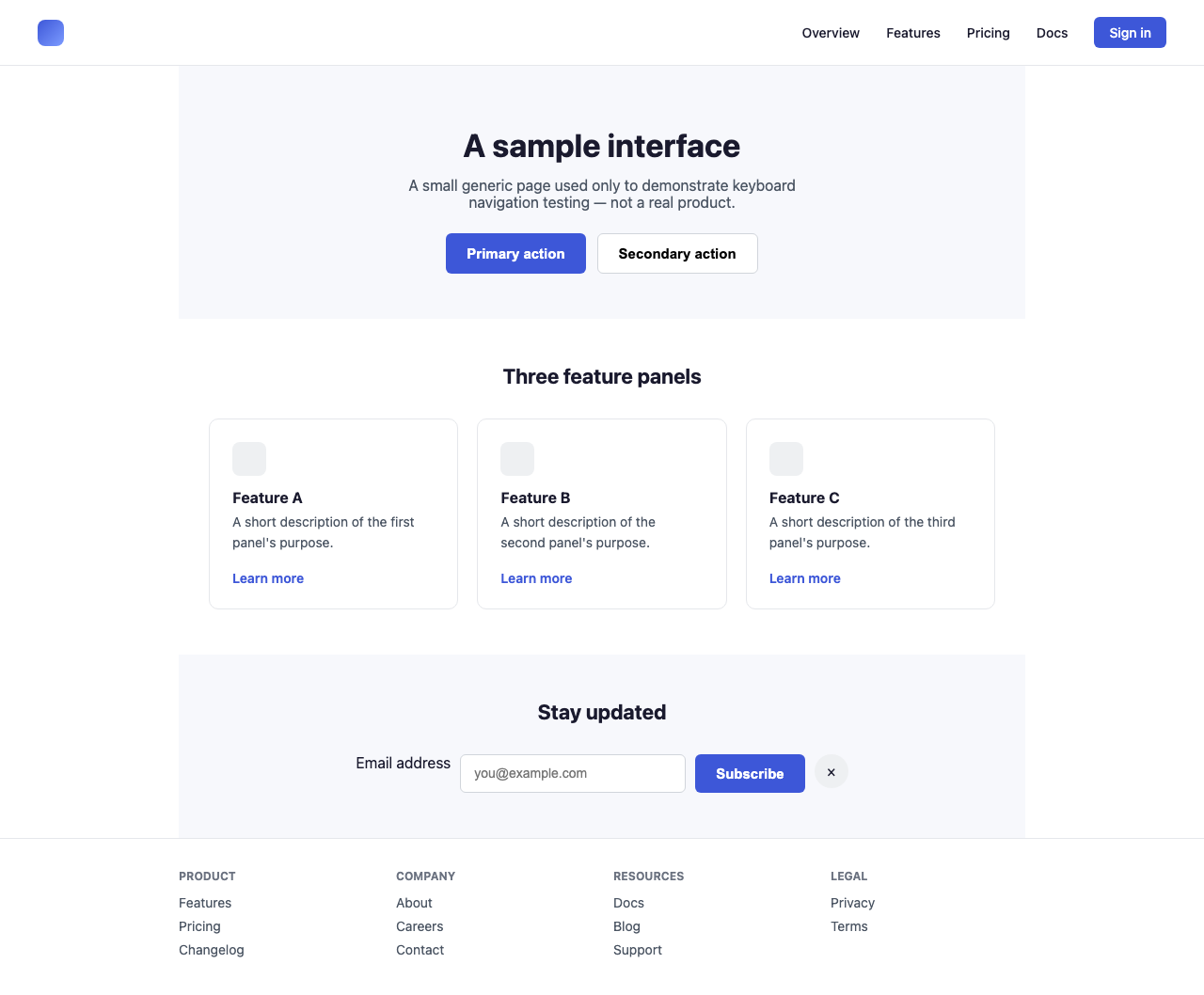
Static analysis can identify interactive elements and inspect their semantics. Keylens adds the missing runtime question: can a person actually move through the page with a keyboard?
Inspect roles, names, states, and relationships in the rendered DOM.
Press Tab, observe focus, and report the controls and states users can reach.
Run the same audit from a terminal, a test script, or an MCP client. Use the terminal report while fixing a page, then switch to JSON for a repeatable CI contract.
Getting startedExplore the rulesProgrammatic APIKnown limitations